Deploying access control across a growing organisation should be straightforward. Yet for many enterprise security teams, the biggest obstacle isn’t selecting the right platform. It’s the time and effort required to onboard users, roles, tenants, and access points before they can realise any value from it.
Over the past year, we’ve spoken with customers managing everything from distributed field workforces to large multi-site venues. A recurring theme emerged: manual onboarding was slowing adoption.
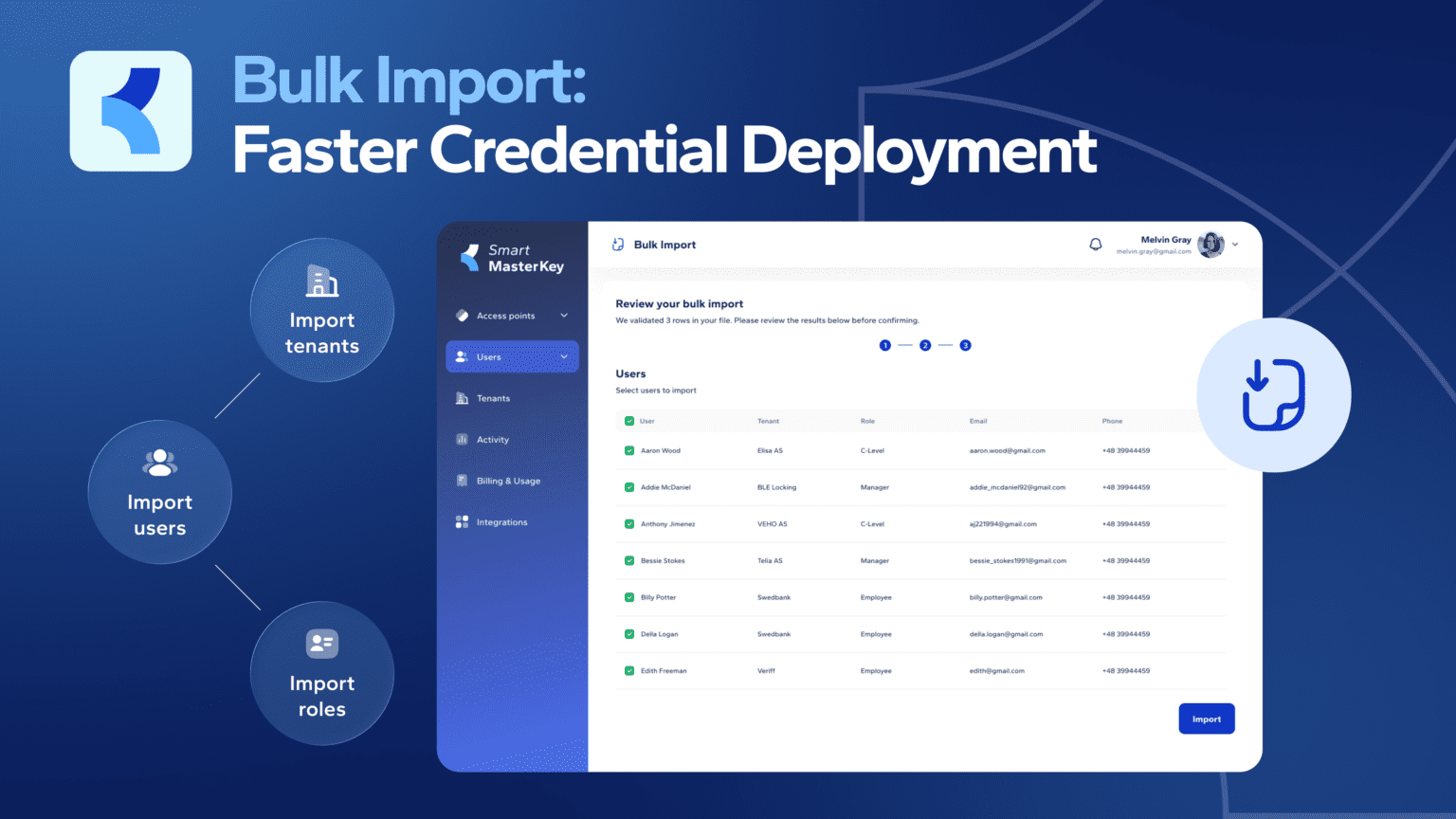
To address this challenge, we’ve introduced SMK Bulk Import. Available directly within the Web Admin Portal, Bulk Import enables administrators to mass onboard an entire organisation including users and roles in a single workflow. There is no need for manual data entry, or waiting for implementation assistance. Whether your data is already structured or spread across existing business systems, Bulk Import is designed to get your organisation operational in minutes rather than days.
Lorem ipsum dolor sit amet, consectetur adipiscing elit. Ut elit tellus, luctus nec ullamcorper mattis, pulvinar dapibus leo.
The problem with manual onboarding at scale

Until now, standing up a new organisation on SMK meant creating each entity individually through the admin portal: add a user, assign their role, place them under the right tenant, connect them to the doors they’re allowed to open, and repeat this process hundreds of times. The work was slow, and for many enterprise teams it pushed the real value of the platform weeks down the road.
That setup cost shouldn’t decide whether a great access control system gets adopted. Bulk Import removes it entirely.
Two ways to import: pick what fits your data
We built two paths into Bulk Import because real organisations don’t all keep their data the same way.
Option A: Use our template. Download a pre-formatted csv file straight from the portal. Fill it in, upload it back, and you’re ready to validate. This path gives you maximum control and a predictable structure, which is ideal when you’re building your organisation’s setup from scratch.
Option B: Upload the file you already have. This is where Bulk Import really shines. You don’t have to reshape your data to match our format. Upload any Excel or CSV file you already use (such as an HR export, a tenant list, or a facilities spreadsheet) with whatever columns and layout it happens to have. Our AI reads your column headers and a sample of the data, then proposes how each of your columns maps to SMK fields: “E-mail” to email, “Renter” to tenant, and “Full Name” intelligently split into first and last name.
You stay in control the whole time. Before anything is created, you see a clear mapping preview with a confidence indicator on every suggestion, and you can adjust, override, or skip any column. The AI handles the tedious part and you make the final call.
The mapping engine recognises common field-name variations across multiple languages, including English, Estonian, and German. It also detects data types like emails and phone numbers automatically, and figures out which sheet in a multi-tab workbook holds which kind of data. For teams whose spreadsheets weren’t built with SMK in mind, that is the difference between a five-minute import and an afternoon of reformatting.
Built-in validation so nothing breaks downstream
Speed only matters if the result is correct. Whichever path you choose, Bulk Import runs the same validation before a single record is created. It checks that required fields are present and correctly formatted, and that every cross-reference holds up: a role assigned to a user must actually exist, and an access point delegated to a tenant must really be in your list.
You get a clear preview summary that separates blocking errors from minor warnings. Fix and re-upload without losing the rows that were already fine, or download an error report to work through offline. When you confirm, SMK creates everything in one pass, sends invitation emails to your users and tenants using the same trusted flow as individual invites, and writes an audit log entry recording exactly what was imported, by whom, and when.
What it means for your rollout
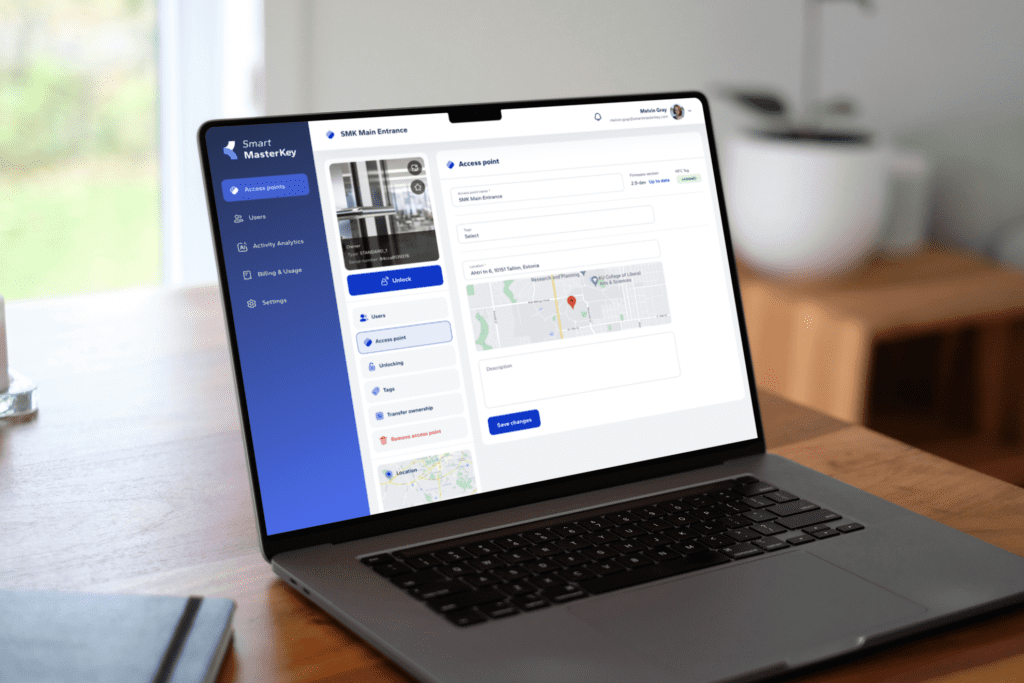
For an enterprise team, the change is straightforward: onboarding mobile credential users now takes minutes. A 500-person setup that once felt daunting becomes a single reviewed-and-confirmed import. Your administrators spend their time checking a preview instead of typing in records, and your people receive their access invitations immediately.
Just as importantly, it lowers the cost of getting started. Evaluating SMK no longer means committing to a lengthy setup project first; instead, you can bring your existing organisation data and be operational quickly.
Getting started
Bulk Import is available now in the SMK Web Admin Portal. Log in, open the new Bulk Import section, and choose your path: download our template for a structured setup, or upload your own file and let the AI map it for you.
If you’re planning a larger rollout and want a hand getting your data ready, our team is happy to help you scope it. Onboarding at scale just stopped being the hard part.