Share article
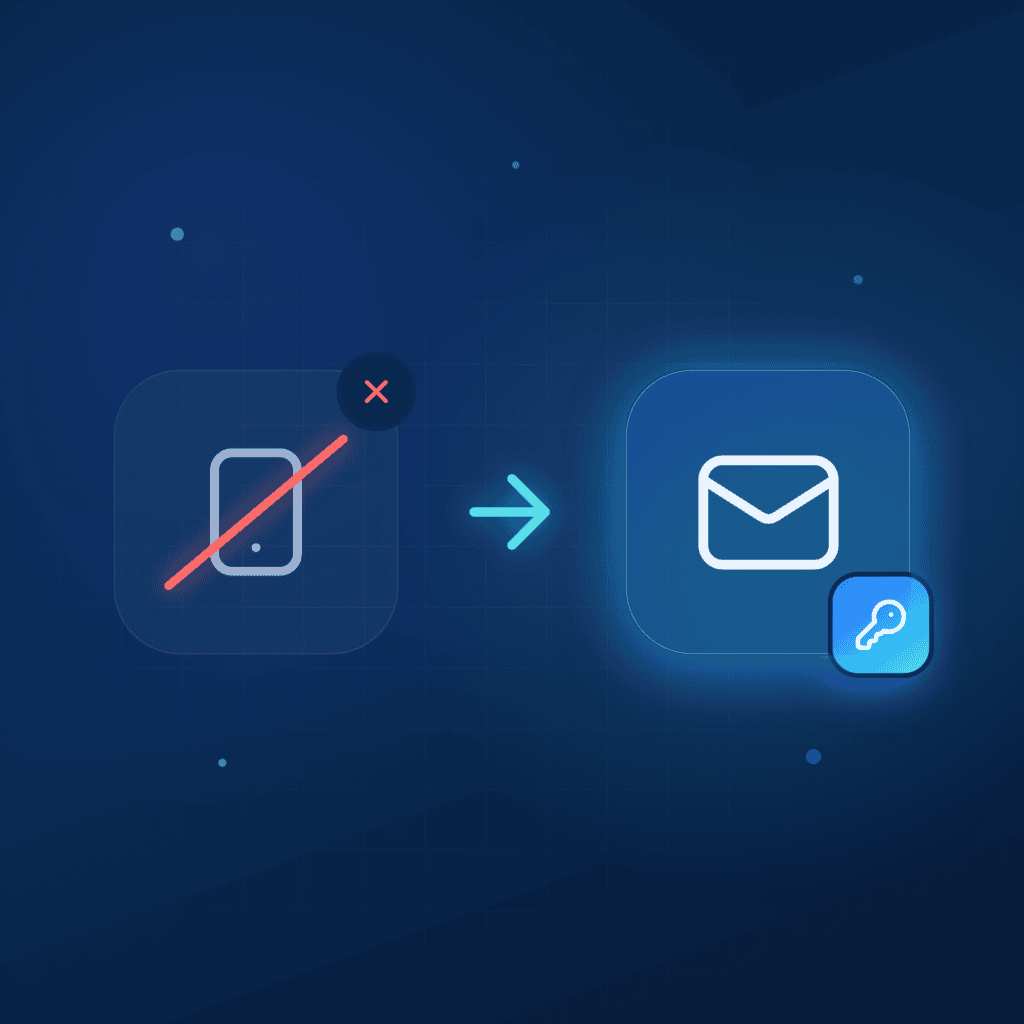
From the 6th of September 2026, Smart MasterKey accounts work with email addresses instead of phone numbers. That covers registration, login, password reset, and sharing access with other people.
Most of you already have an email on your profile, and if that’s you, there’s nothing to do. If your profile only has a phone number, please add an email before the 6th of September so you keep access to your account and to the keys people have shared with you.
Key takeaways
Reading time: 4 minutes
- From the 6th of September 2026, Smart MasterKey accounts use email addresses instead of phone numbers for registration, login, password reset and sharing access.
- If your profile only has a phone number, add and verify an email before 31 August so you keep access to your account and to the keys people have shared with you.
- Access already shared to a phone number stops working after 31 August, so re-send those invitations by email. The move to email also improves security and lays the groundwork for features like full access logs, time-limited permissions and audit trails.
What's changing
- Registration. New users sign up with an email address.
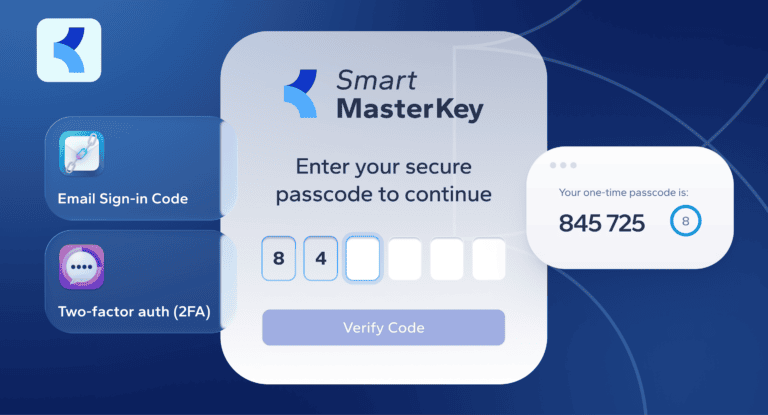
- Login and password reset. Both arrive by email. SMS codes are going away.
- Sharing access. You’ll send a key to someone’s email address instead of their phone number.
Access you’ve already shared to a phone number will stop working after the 6th of September, so it’s worth taking a few minutes to re-send those invitations by email.
Why we're making the change
Moving away from SMS authentication improves account security and reliability while allowing us to introduce new identity and access management features. Using email addresses provides a more stable identity for each account, reduces the risk associated with recycled phone numbers, and creates a foundation for future capabilities across the Smart MasterKey platform.
Phone numbers move around more than most people expect. Operators recycle them, SIM swaps happen, and numbers get reassigned when someone switches providers. For something that opens a door, that’s a shaky way to know who’s on the other end.
An email account belongs to a person. It has its own password and two-factor protection, and it doesn’t quietly end up with a stranger a few months after someone cancels a contract.
There’s a practical side too. Features we’ve wanted to give you for a while, like full access logs, time-limited permissions, inviting a whole building at once, and clean audit trails, all need a stable identity behind them. SMS can’t carry that.
It’s time to get more from your building operations
Experience modern property management with Smart MasterKey. See how leading commercial real estate teams boost efficiency, streamline operations, and maximise performance using our platform.
How to get set up
- Open the Smart MasterKey app.
- Go to your profile.
- Add and verify your email address.
- Review your shared users. If anyone was invited using a phone number, send them a new invitation using their email address.
It takes a couple of minutes, and doing it before the 6th of September means you won’t notice anything on the day.
If you manage a larger property or a long list of users, don’t worry about doing it one by one. Get in touch with support and we’ll help you move everyone over.