Share article
Managing access across buildings, tenants and users should not require switching between multiple systems or searching through disconnected records. Whether you are managing a commercial building, a shared workspace or multiple sites, scheduled access makes it easier to match permissions to the way people actually use a space.
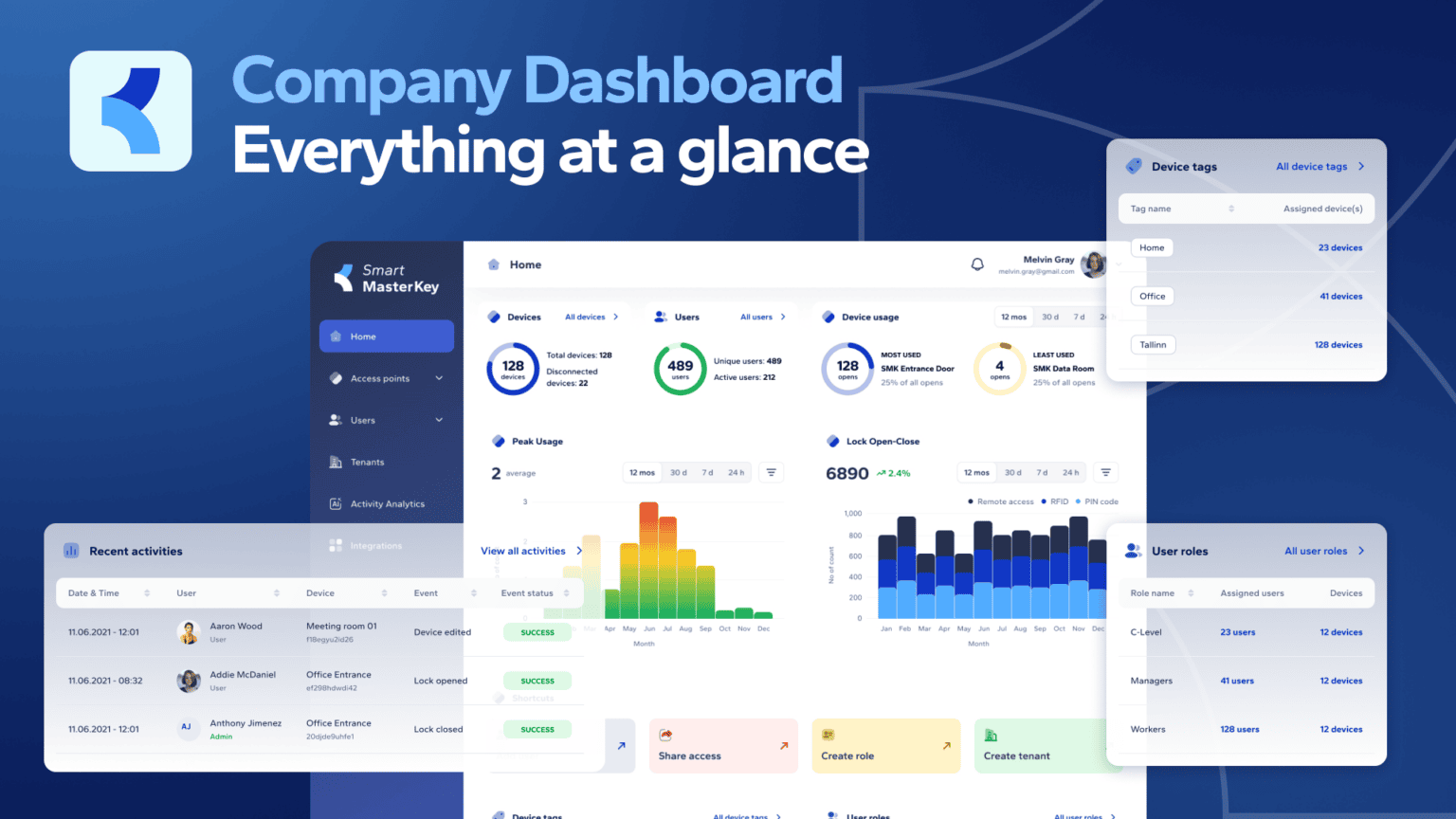
The Smart MasterKey dashboard brings the most important information together in one clear, central view, helping organisations understand what is happening across their access infrastructure and take action with confidence.
From the moment you sign in, the dashboard gives you an overview of your access points, users and access activity. It is designed to make everyday administration simpler while giving you a clearer picture of how your organisation uses access.
Key takeaways
Reading time: 4 minutes
- The new Dashboard brings connected access points, users and activity into one central view, so administrators can see what’s happening across their entire access infrastructure at a glance instead of piecing it together from separate screens.
- Built-in analytics surface usage trends, peak times, most- and least-used access points and lock open/close stats across remote access, RFID and PIN codes, helping teams plan operations and spot unusual activity early.
- Quick actions let admins add users, share access, manage roles and handle tenants without digging through menus, and a centralised view makes access administration far easier for organisations running multiple buildings or sites.
Turn access data into useful insight
The dashboard provides a quick view of connected access points, unique users and active users, helping administrators understand the current state of their access environment. Access point usage highlights which access points are used most and least, while usage trends make it easier to spot changes over time.
Peak usage and lock open-close statistics add another layer of visibility. By looking at when access is being used and how often doors are opened, administrators can better understand activity patterns across their buildings. This can support operational planning, help identify unusual activity and provide a more informed basis for decisions about access management.
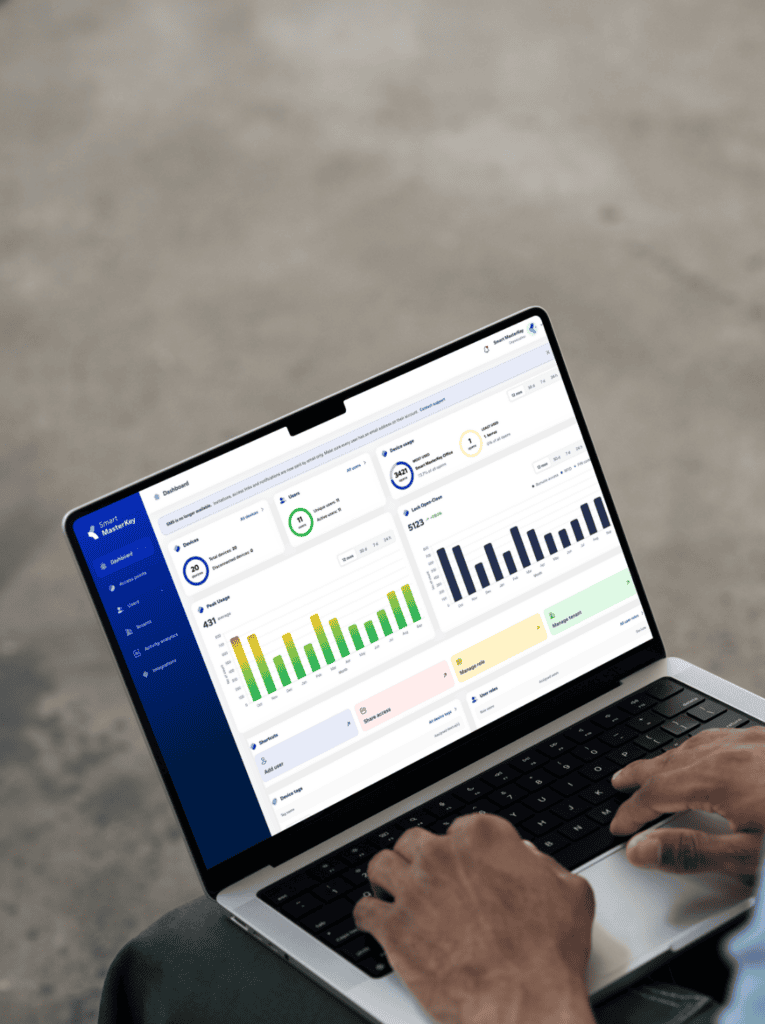
The dashboard also brings together different access methods, including remote access, RFID and PIN codes, so organisations can see how their access infrastructure is being used. Rather than relying on assumptions, teams can use the information available to guide their next steps.
It’s time to get more from your building operations
Experience modern property management with Smart MasterKey. See how leading commercial real estate teams boost efficiency, streamline operations, and maximise performance using our platform.
Move from insight to action
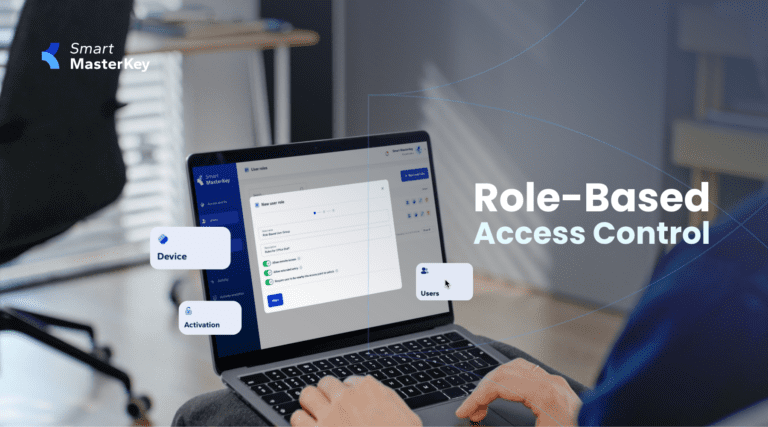
A useful dashboard should do more than display information. Smart MasterKey connects visibility with the actions administrators need most often. Shortcuts make it easier to add users, share access, manage roles and manage tenants without navigating through multiple menus.
The dashboard also provides direct access to access point groups, user roles and recent activities. This helps administrators keep their access environment organised and quickly review what has happened, including successful access events and the users and access points involved.
For organisations managing multiple buildings or tenants, this centralised view can make access administration more efficient and easier to understand. It brings together the information needed to manage access today while creating a stronger foundation for more informed decisions tomorrow.
With Smart MasterKey, the dashboard is not just a starting point. It is a practical workspace for understanding access, managing users and keeping your organisation connected to its access infrastructure.