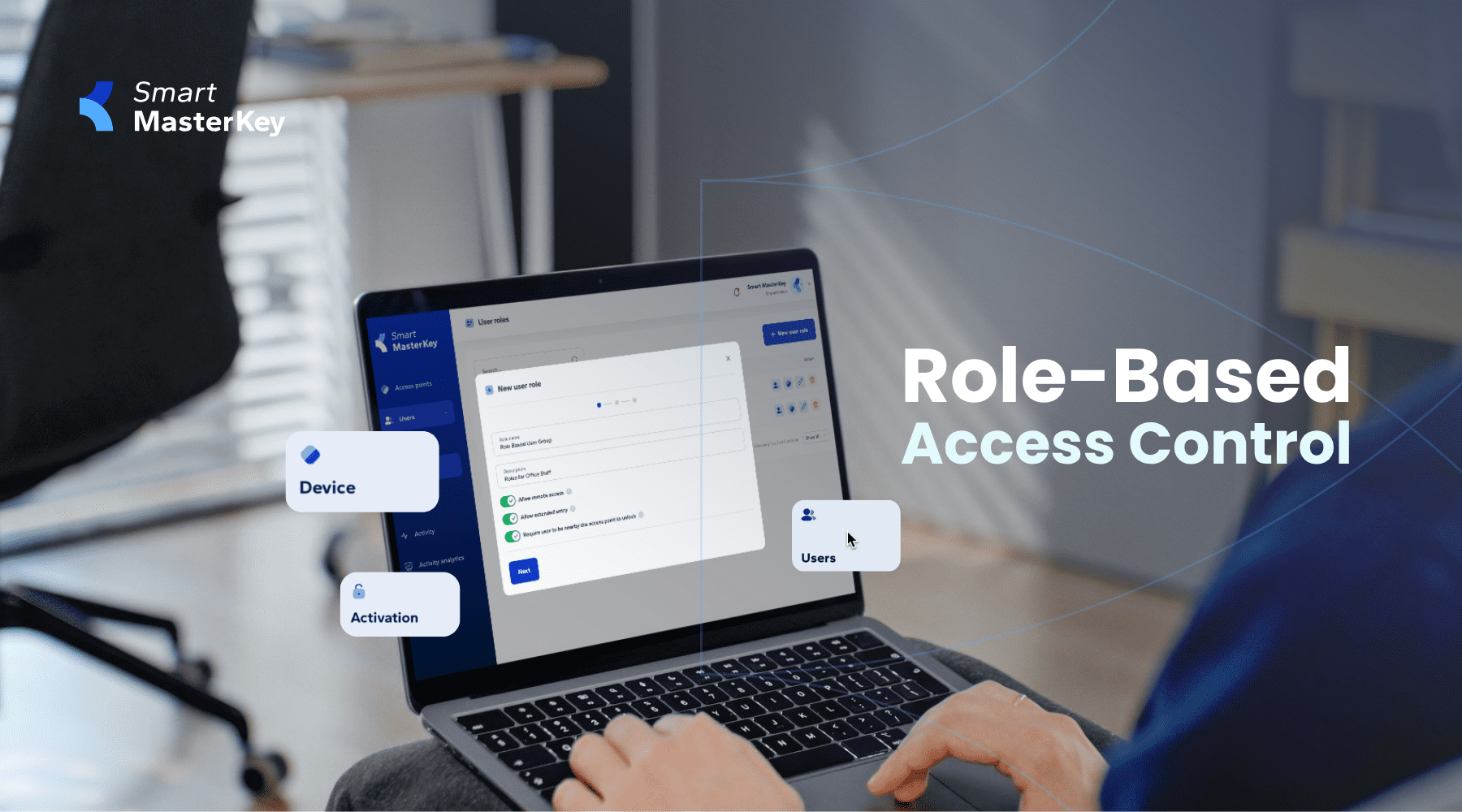
Managing access credentials across large office buildings or rental properties is often repetitive and time-intensive. Administrators spend hours granting or removing access for individual users, especially when staff changes or new tenants move in.
Smart MasterKey’s new Role Based Access (RBAC) streamlines these workflows by grouping users and access points under predefined roles. Instead of managing access one person at a time, administrators can now control access for entire organizations, departments, or teams with just a few clicks.
Create roles for user groups
With RBAC, administrators can design roles that reflect how buildings are used.
- An entire tenant organization renting office space can be assigned a role.
- Internal teams, such as engineering or finance, can have separate roles that match their access needs.
This makes it possible to grant, update, or revoke access credentials for groups rather than individuals.
Centralised management in the Client Portal
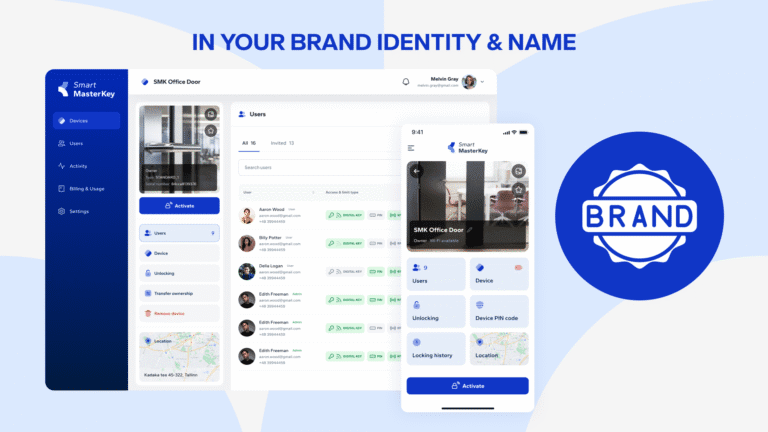
Role Based Access is managed through the Smart MasterKey Client Portal. Here, administrators create roles with predefined access rules. Users are then assigned to roles, making onboarding or offboarding a matter of seconds.
- Add new employees to a department role and they instantly receive the right access.
- Remove a user from a role and their access is revoked everywhere at once.
- Update access settings in a role and all users connected to it are updated automatically.
This reduces manual effort and ensures consistency across large user bases.
Replicate door group structures from integrated platforms
Many security systems, such as Inner Range Integrity or ICT Protege, already use door groups or door lists. Smart MasterKey’s RBAC mirrors these structures. This means administrators who are used to working with existing platforms can replicate familiar workflows directly in Smart MasterKey without having to relearn processes.
RBAC becomes the integration layer that keeps access control simple while unifying fragmented systems.
Why Role Based Access matters
For administrators and property managers, RBAC saves time and reduces errors. Instead of processing hundreds of individual access requests, they work with group-based permissions.
Key benefits include:
- Faster onboarding and offboarding of users.
- Consistent access rights across similar user groups.
- Fewer errors in manual access assignments.
- Scalable administration for properties with hundreds or thousands of users.
In commercial offices and rental properties, where turnover is frequent and user groups are diverse, this efficiency translates into significant time and cost savings.
Outlook: SSO integration for even smarter workflows
Role Based Access is only the first step. The next evolution is integration with identity providers like Azure Active Directory or Google Workspace SSO. With this, Smart MasterKey will automatically synchronize users and roles with the organization’s existing IT systems.
- New employees created in Azure or Google will receive access instantly through predefined roles.
- Departing employees will lose their access automatically when removed from the organization’s directory.
- Administrators will no longer have to maintain two systems separately, reducing friction and improving security.
This will further streamline credential management, eliminate redundant administration, and align building access with the IT security standards enterprises already use.
Building towards smarter access administration
Role Based Access is another step in making Smart MasterKey the most effective access control overlay for existing infrastructure. By centralizing user management and preparing for SSO-driven automation, we reduce complexity for administrators and keep access management secure and scalable.
With RBAC, you move from managing doors for individuals to managing access for entire organizations. And with SSO on the horizon, Smart MasterKey will make access workflows even faster, more automated, and tightly integrated with enterprise systems.